

Stop typing, start approving.
Scan a switchboard. Walk away with a finished report.
SwitchReport turns FLIR radiometric scans into finished electrical reports, on the camera or in your browser. Auto-detected hot spots, non-destructive editing, priority-coded PDFs.
Requires a FLIR i34, i35, i64 or i65 thermal camera plus a SwitchReport subscription.
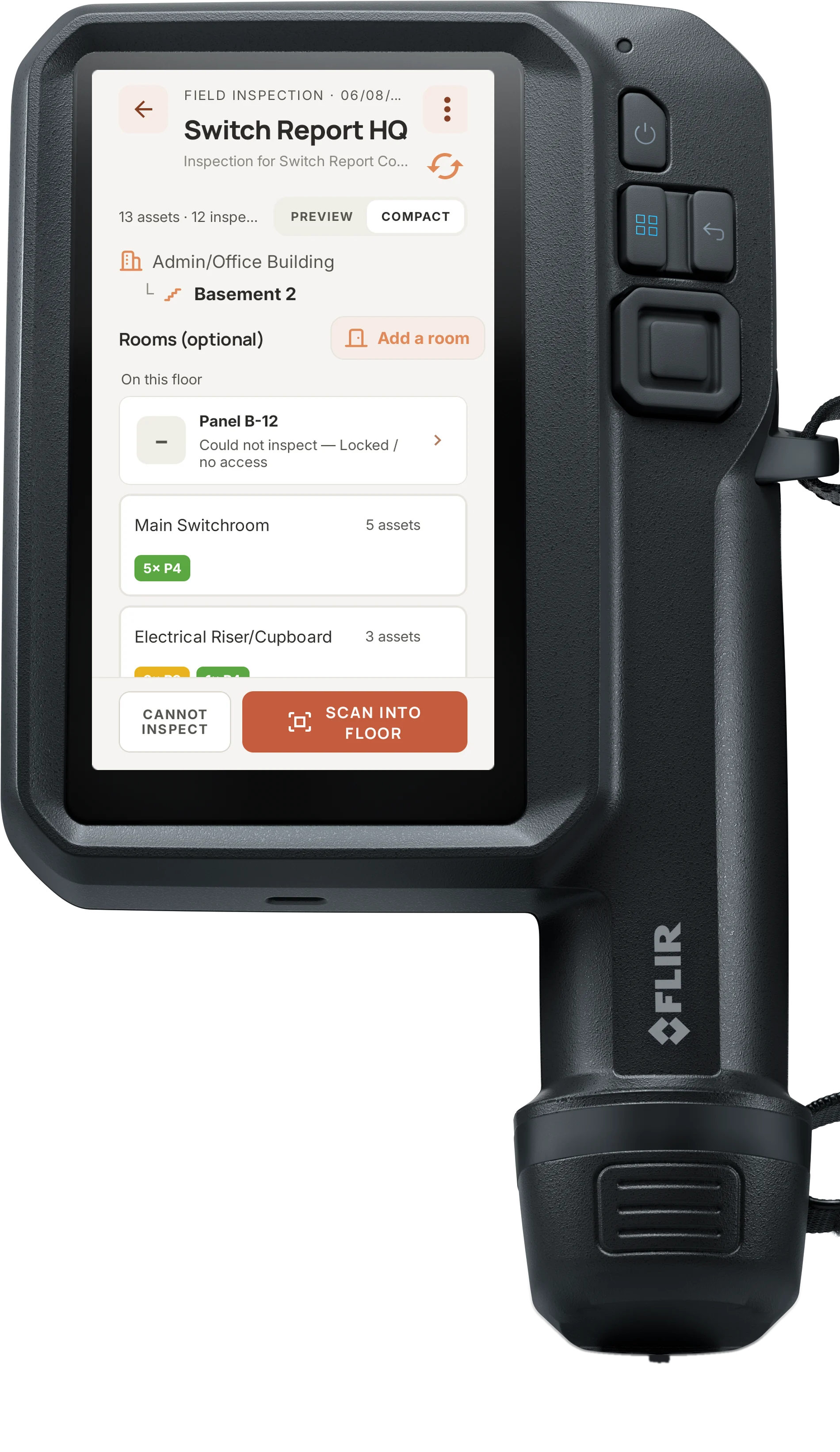
See it in action
How it works
On the camera…
Add your details
Enter your business details once, and every report carries them. The camera fills in its own model and serial number, so you only add the calibration date.
Add your thermographer
Add your thermographer's credentials once: name, role, category, certifying body and certificate number. Every report carries them from then on.
Create your customers
Add a customer and their contact person right on the camera. Once the camera syncs, the same customer is there when you open SwitchReport in your browser.
Enter unlimited sites
Give each customer as many sites as they have, each with its own address. Every inspection you start is filed under the right one.
Smart directories
Build the inspection directory on the go, with buildings, levels and rooms. Single clicks do the structuring so you work faster, and different site types get their own unique options.
Graded before you move on
The priority lands on the capture screen with the reading that produced it. You name the board and keep going, and the grading is already done.
Your inspection snapshot
Always know where you're up to. At any time during the inspection you can see your directory, what's scanned into where, and its priority code.
On the web…
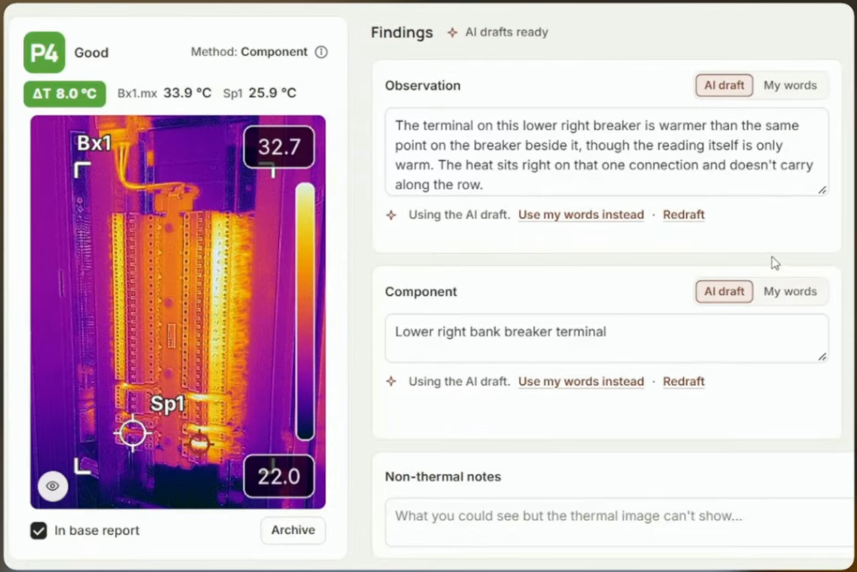
Stop typing, just edit
AI drafting for the board description, the component and the thermal observation. You don't spend the time typing, you spend it approving.
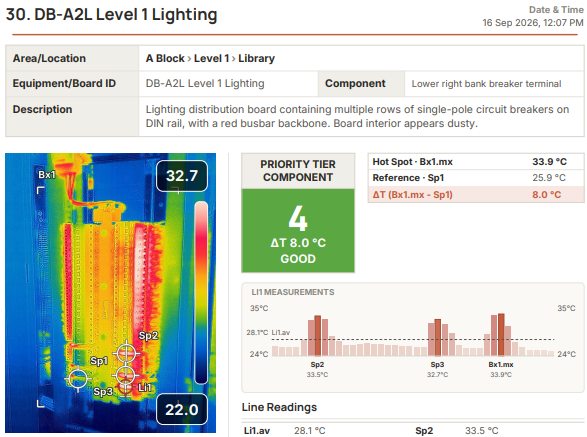
Analysis that makes sense
Your findings laid out the way your customer reads them: every board, where it is, its measured ΔT and its priority. Nothing padding the page.
How a finding is graded
Priority criteria
Every finding is graded Priority 1 to 4 from its temperature rise. Each site is set to one priority table, and each report prints that table, as published, on its criteria page, so your client can see exactly how every finding was graded.
Runs on the FLIR i34, i35, i64 and i65
SwitchReport runs on FLIR's app-enabled thermal cameras.
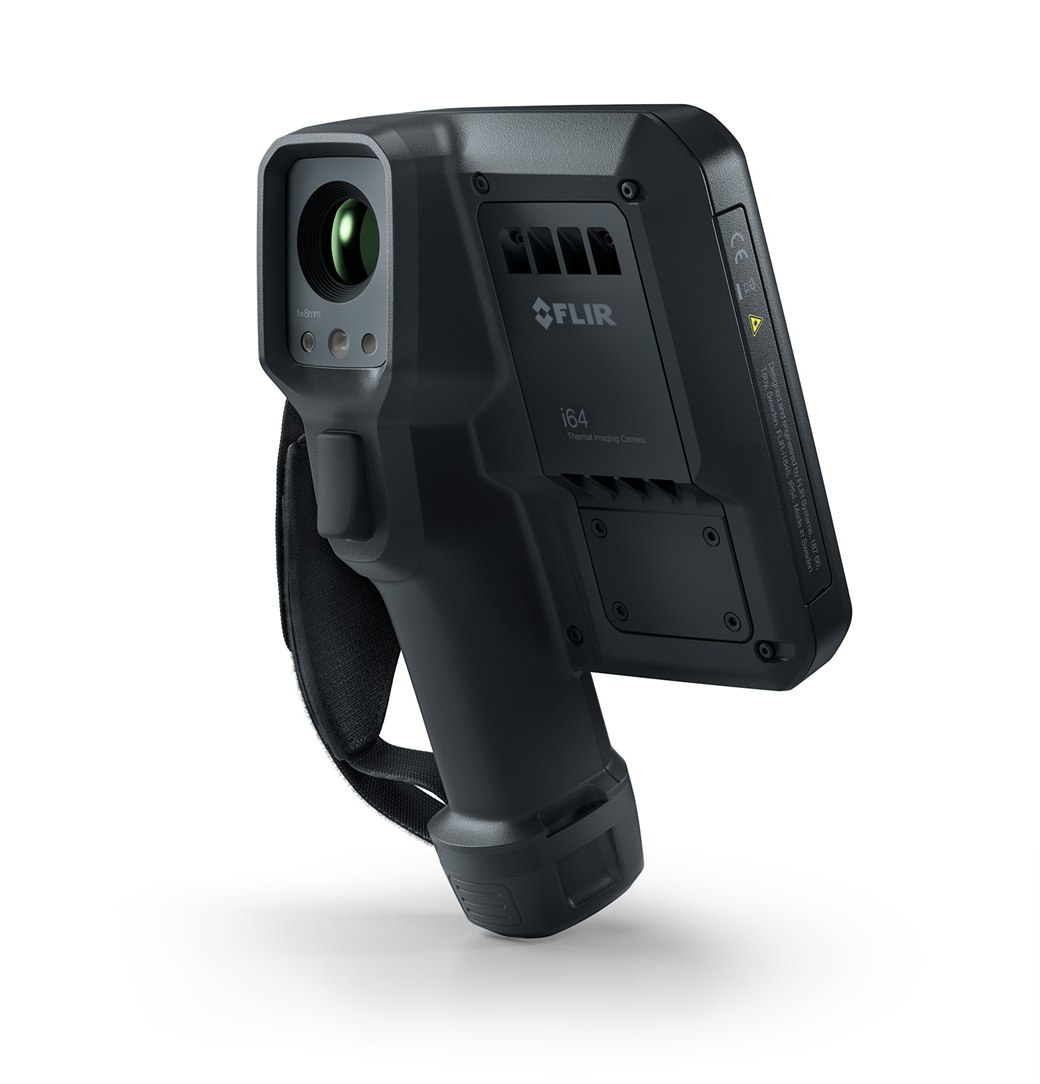
The FLIR iXX-Series app-enabled thermal cameras
With SwitchReport on board, you scan a board and see its priority on the spot. Finish the report on the camera if you need to, or pick it up on your laptop, where the wording is drafted for you to approve. No Word document.
- ✓Radiometric capture: every pixel carries real temperature data, not just a coloured picture.
- ✓320×240 or better, the minimum SwitchReport works with, plus a built-in visual camera.
- ✓App-enabled (ACE): runs SwitchReport directly on the camera.
- ✓In-camera reporting, included in every plan.
One camera, every thermal inspection
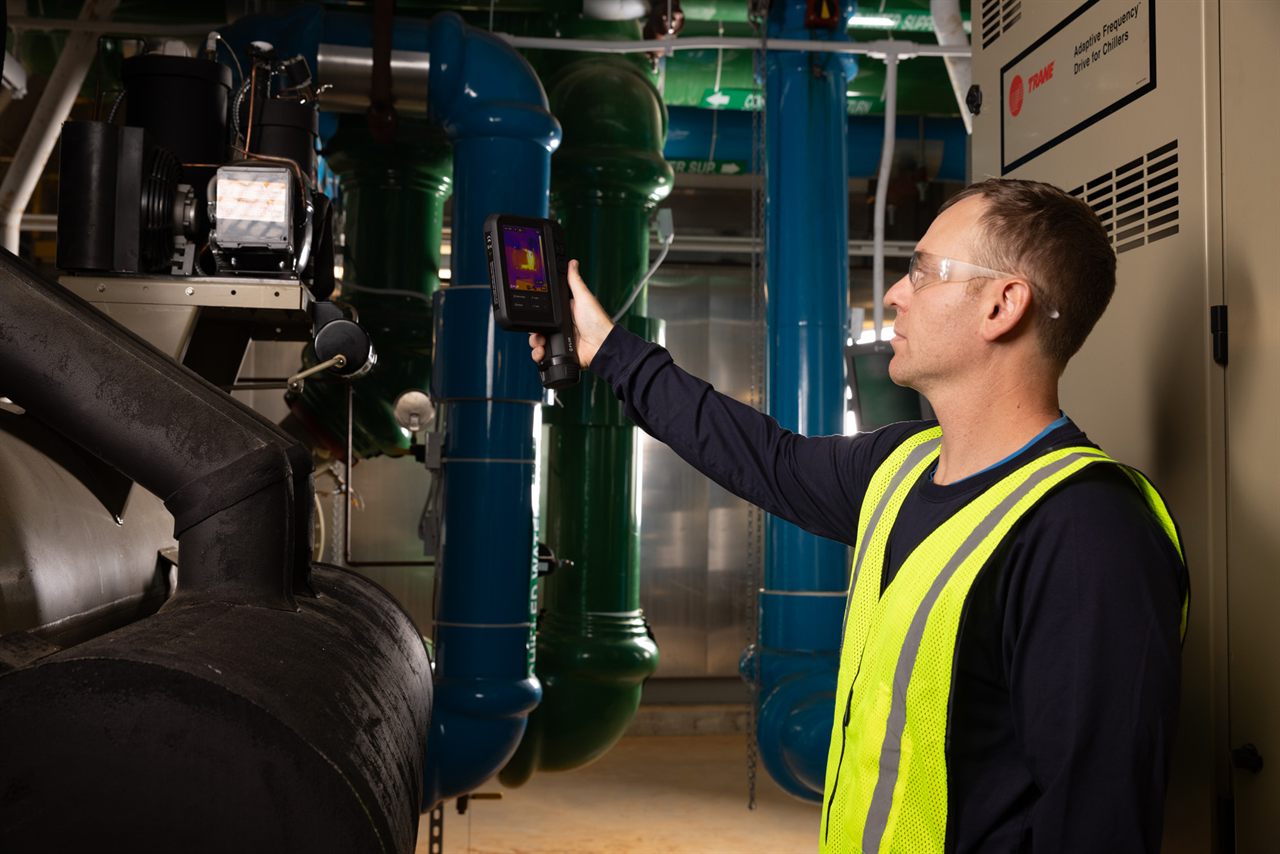
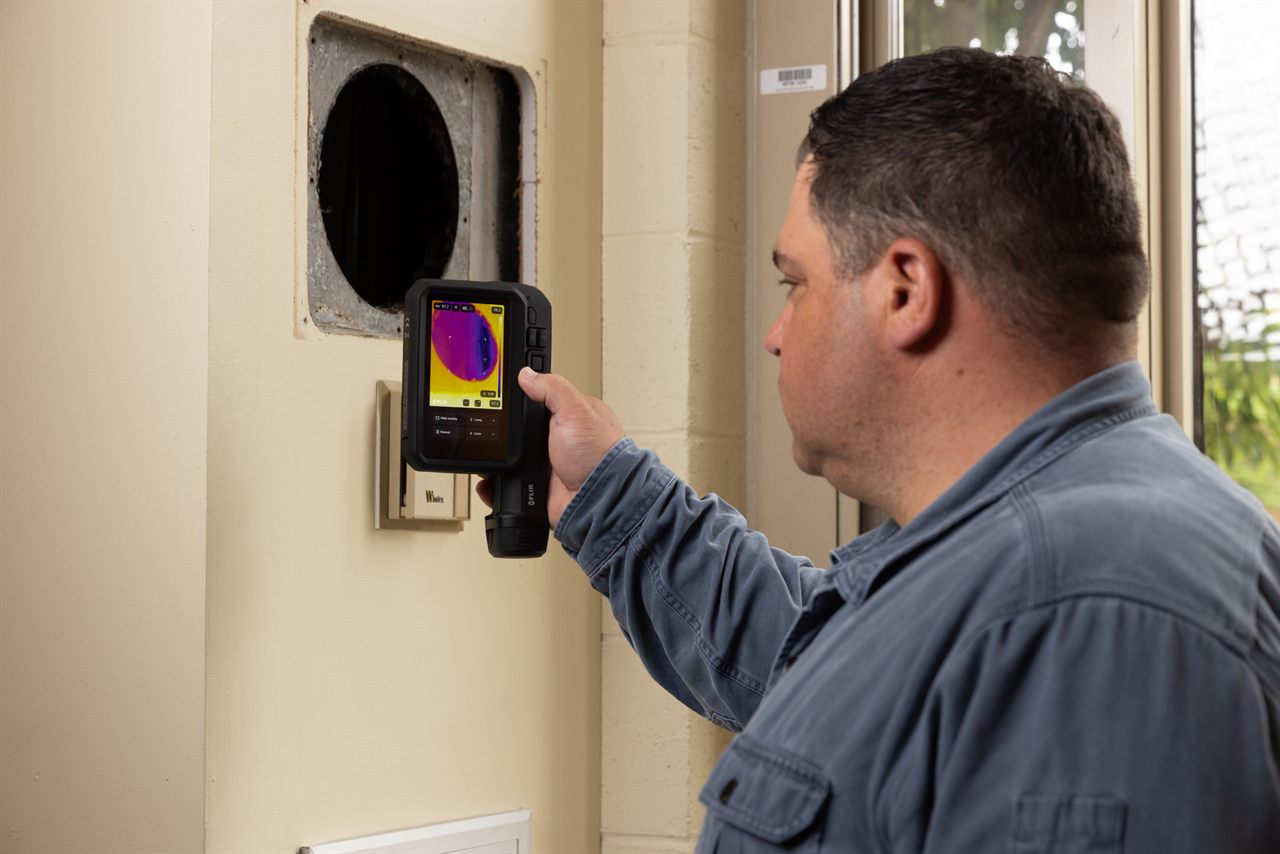
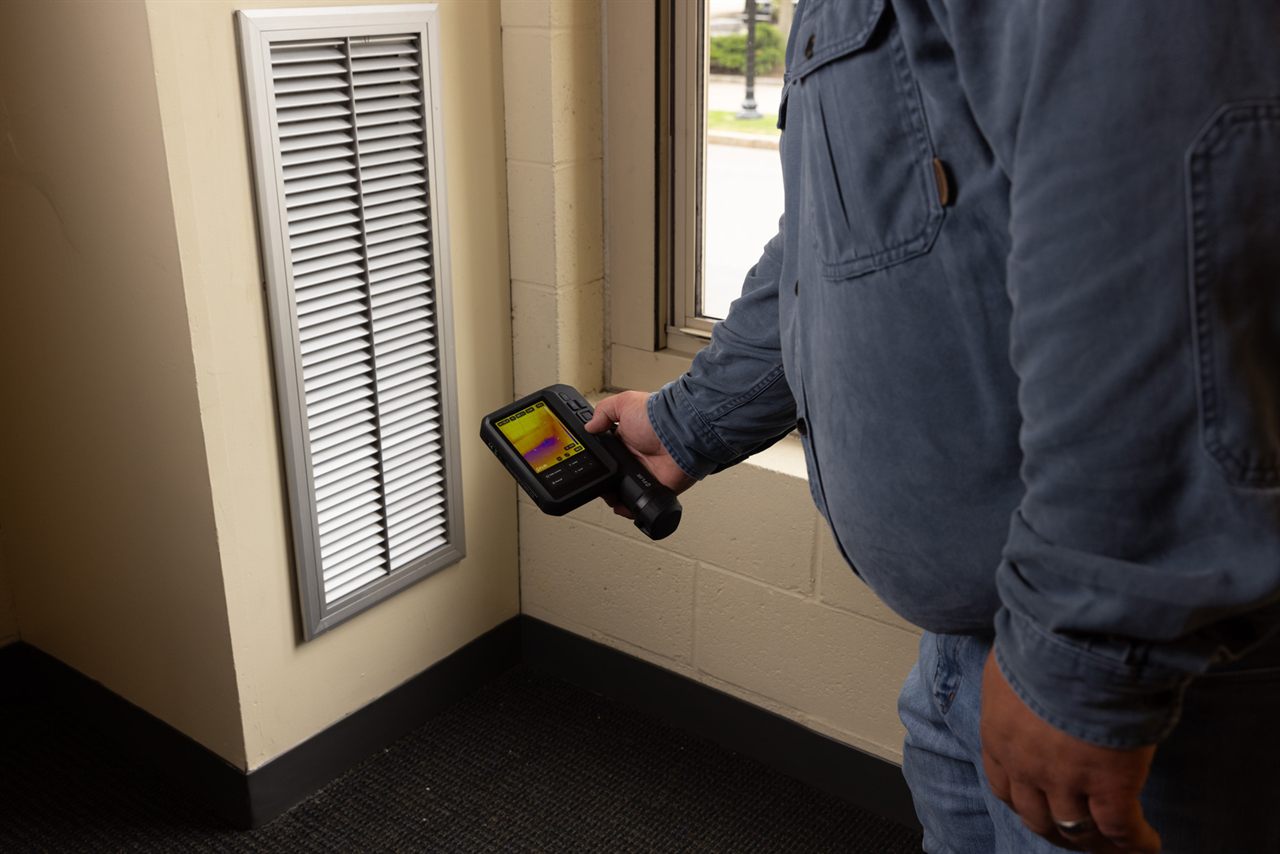
The FLIR i34, i35, i64 and i65 handle every kind of thermal inspection. SwitchReport turns the electrical scans into finished reports, and the rest shows the camera's range.
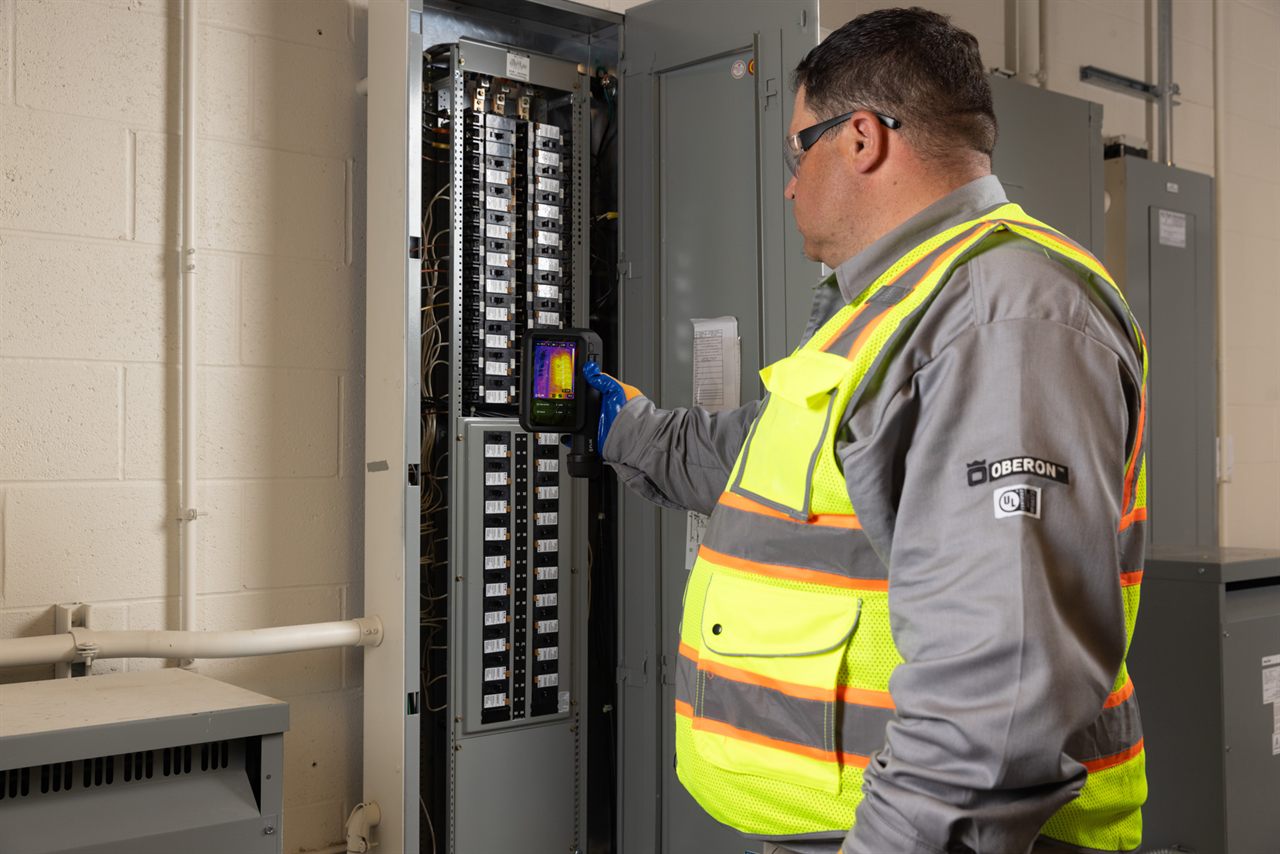
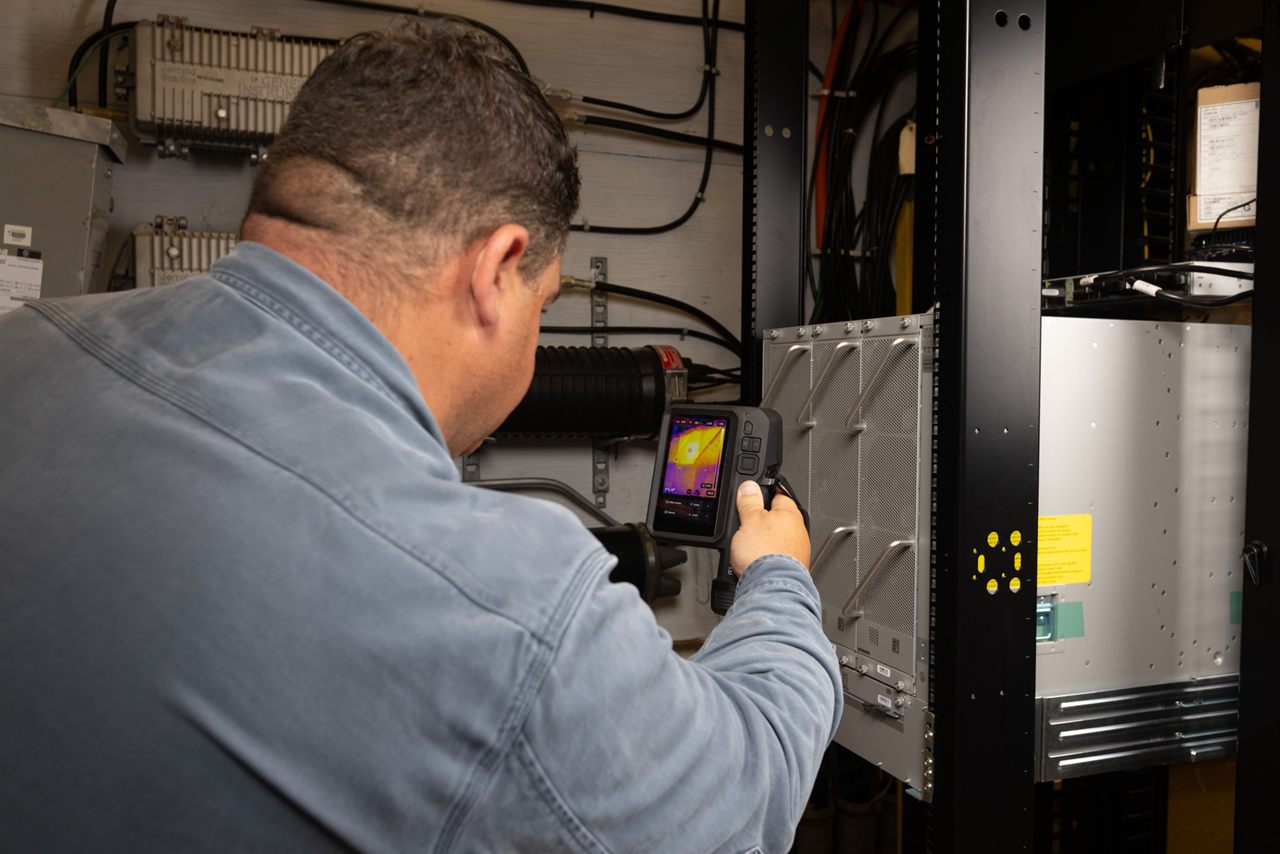
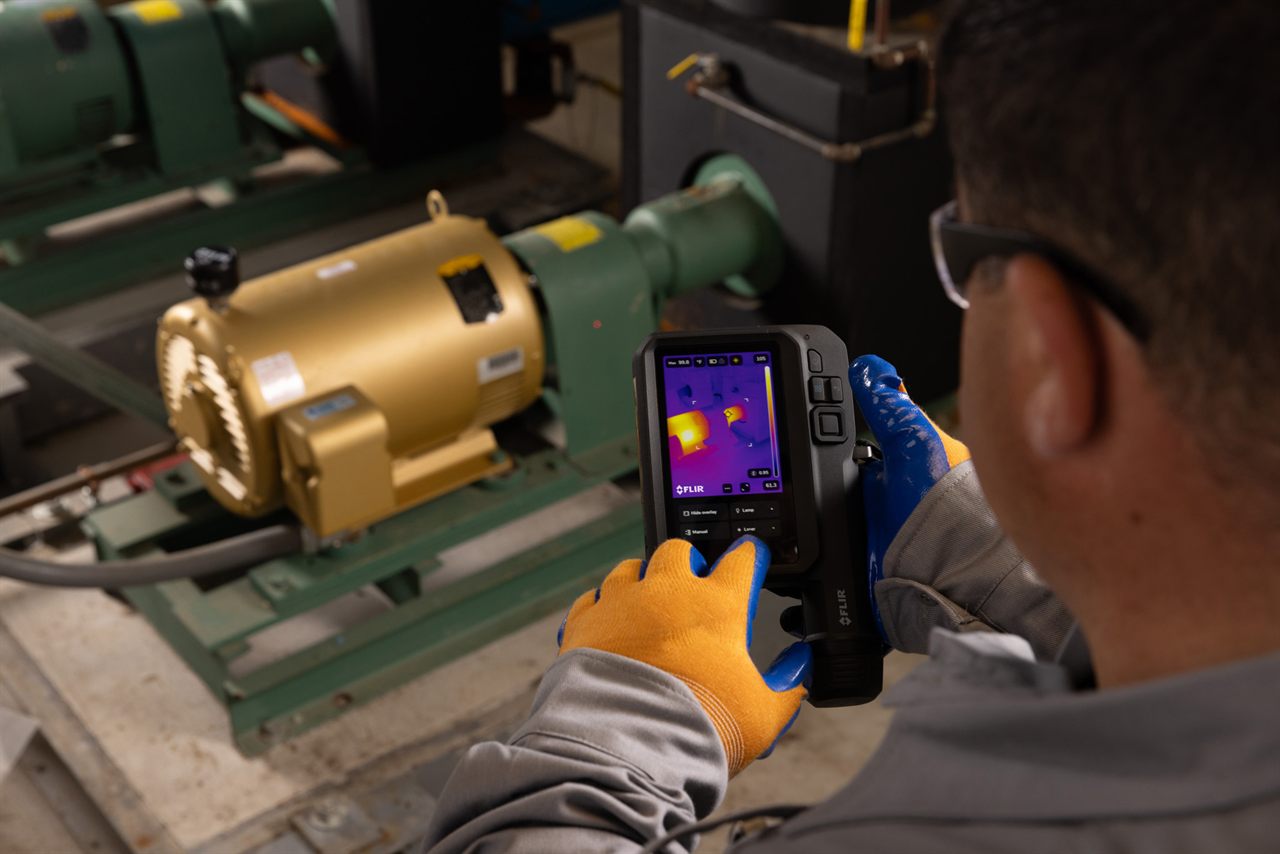
Interested in the i34, i35, i64 or i65?
Email us and we'll point you to an authorised FLIR distributor.
We handle your information under our Privacy policy.
See a full inspection, start to finish
A full inspection on the FLIR i34, the report finished in the browser, and the finished PDF. One recording, thirteen minutes.
A full inspection on the FLIR i34, the report finished in the browser, and the finished PDF.
Want it on your own jobs?
Tell us the sort of reporting you do and we'll talk you through the plans, and the FLIR i34, i35, i64 or i65 that SwitchReport runs on.
We handle your information under our Privacy policy.
What SwitchReport costs
Every plan produces finished, priority-coded reports, and every plan includes in-camera reporting on the FLIR i34, i35, i64 and i65. Plus adds more users, extra templates and colour themes. Pay yearly, or every 3 months.
- ✓A finished PDF report
- ✓Your logo and 1 colour themed report
- ✓Thermal image editing
- ✓Customer management dashboard
- ✓1 user
- ✓Everything in Core
- ✓Extra report templates
- ✓Proof of scan reports
- ✓Automatic AI observations and repair messaging
- ✓3 users
- ✓Everything in Plus
- ✓Custom-styled report matching your documents
- ✓Your own layout, not a template
- ✓1 free revision per year
- ✓Quoted per document set
A quick guide — match your workload to a tier. Illustrative only, not a live quote.
Your report, styled exactly like your documents
We also build a fully branded, custom-styled report that exactly matches your existing internal documents. Send us your documents and instructions and we’ll rebuild your report to match — including 1 free revision per year for the life of the purchase.
We handle your information under our Privacy policy.
| Feature | Core | Plus |
|---|---|---|
| Reporting | ||
| Finished PDF reports | ✓Included | ✓Included |
| Priority-coded findings (1–4) | ✓Included | ✓Included |
| Non-destructive thermal image editing | ✓Included | ✓Included |
| Proof of scan reports | —Not included | ✓Included |
| Automatic AI observations + repair messaging | —Not included | ✓Included |
| In-camera reporting (i34, i35, i64, i65) | ✓Included | ✓Included |
| Branding & templates | ||
| Your logo on every report | ✓Included | ✓Included |
| Report templates | A | A · B |
| Exclude P4 pages — log-only option | —Not included | ✓Included |
| Report colour themes | 1 | 2 |
| Equipment & analytics | ||
| Customer management dashboard | ✓Included | ✓Included |
| Team & data | ||
| Users included | 1 | 3 |
| Cloud storage | Unlimited | Unlimited |
| Billing | ||
| Yearly plan, including GST | $500 | $1,000 |
| 3-month plan, renews every 3 months | $250 | $500 |
| Support | ||
| Support level | ||
- Billed annually, in advance. Your subscription renews automatically for the same period unless you cancel before renewal.
- The 3-month plan renews every 3 months. The same reminder comes before each renewal, and you can cancel before it.
- You get a reminder first. We send a renewal reminder at least 30 days before each renewal — no silent re-charge.
- Cancelling stops the next renewal period. You keep access until the end of the period you've paid for.
- Price changes come with at least 30 days' notice. A price change takes effect from your next renewal, and you can cancel before then.
- Your data leaves with you. If your subscription ends, you lose access to the service, but you can ask us within 30 days and we will give you all your data in a reasonable format.
This is a plain-English summary of clauses 4.2, 4.3 and 11.3 — the full Terms of service are the agreement that actually applies. See also our Privacy policy and Data & security page.
Delete your account or export your data
How to ask us to delete your SwitchReport account, or to send you a copy of your data. We handle these requests by hand, so there is no one-click delete button — which also means we can confirm the request is really from you.
How to make a request
Email us at support@switchreport.app from the email address on your account, and tell us whether you want to export your data, delete your account, or both. Sending the request from your account email helps us confirm it is you; if you can't, we will verify your identity another way before acting.
What deleting your account covers
Deleting your account removes your SwitchReport cloud account and the data stored in it — your customers, sites, inspections, captures and the reports generated from them — from our systems, except where the law requires us to keep certain records for a set period.
It does not reach photos in your camera's own gallery. Pictures the app also filed into your FLIR camera's picture gallery live on the device, not in your account, so deleting your account does not remove them. Signing out of the app on the camera clears the app's own working copy; the gallery copies are left in place as your backup, and only you can remove those from the device.
You have 30 days to change your mind
When you ask us to delete your account, we do not erase everything at once. For 30 days the account is deactivated but still recoverable. This gives us time to finish any export you asked for, and gives you time to undo the request if you change your mind or made a mistake — just email us again within that window. After 30 days the deletion becomes permanent, and the data can no longer be restored.
Exporting a copy of your data
You can ask for a copy of your data at any time, whether or not you are deleting your account. Email the same address and ask us to "download my data", and we will provide your account and inspection records in a reasonable format. This is also a sensible first step before a deletion, so you keep your own copy of anything you need.
Ready to start? Email support@switchreport.app. We handle your information under our Privacy policy.